

Your voice. Your fishing journal.
Every catch.Worth remembering.
Say a few words. Take a photo. Keep the catch, the fishing spot, and the weather in your own catch log for iPhone.

Free beta · iPhone · iOS 26 or later. See how it works
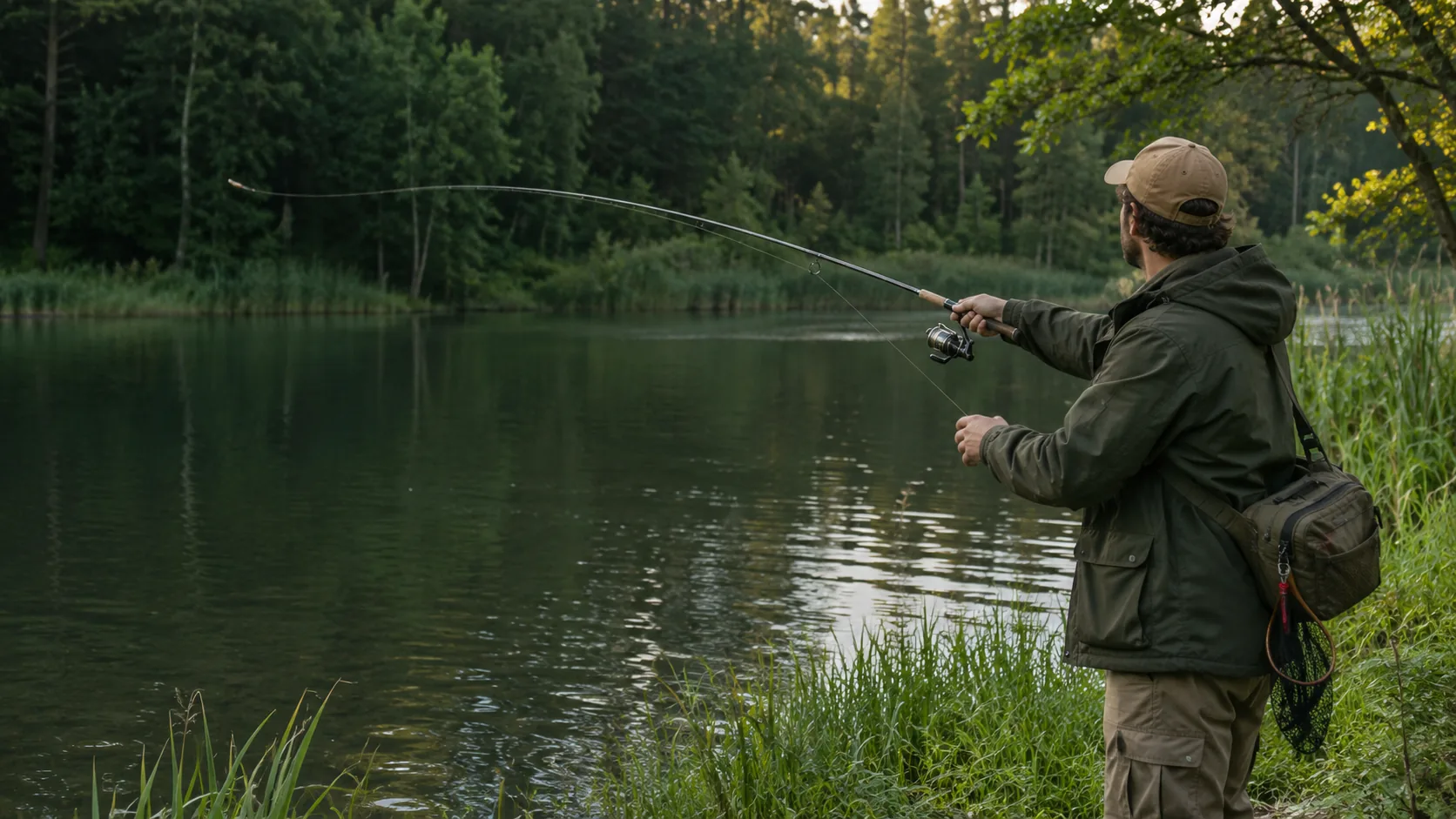
Less typing.More fishing.
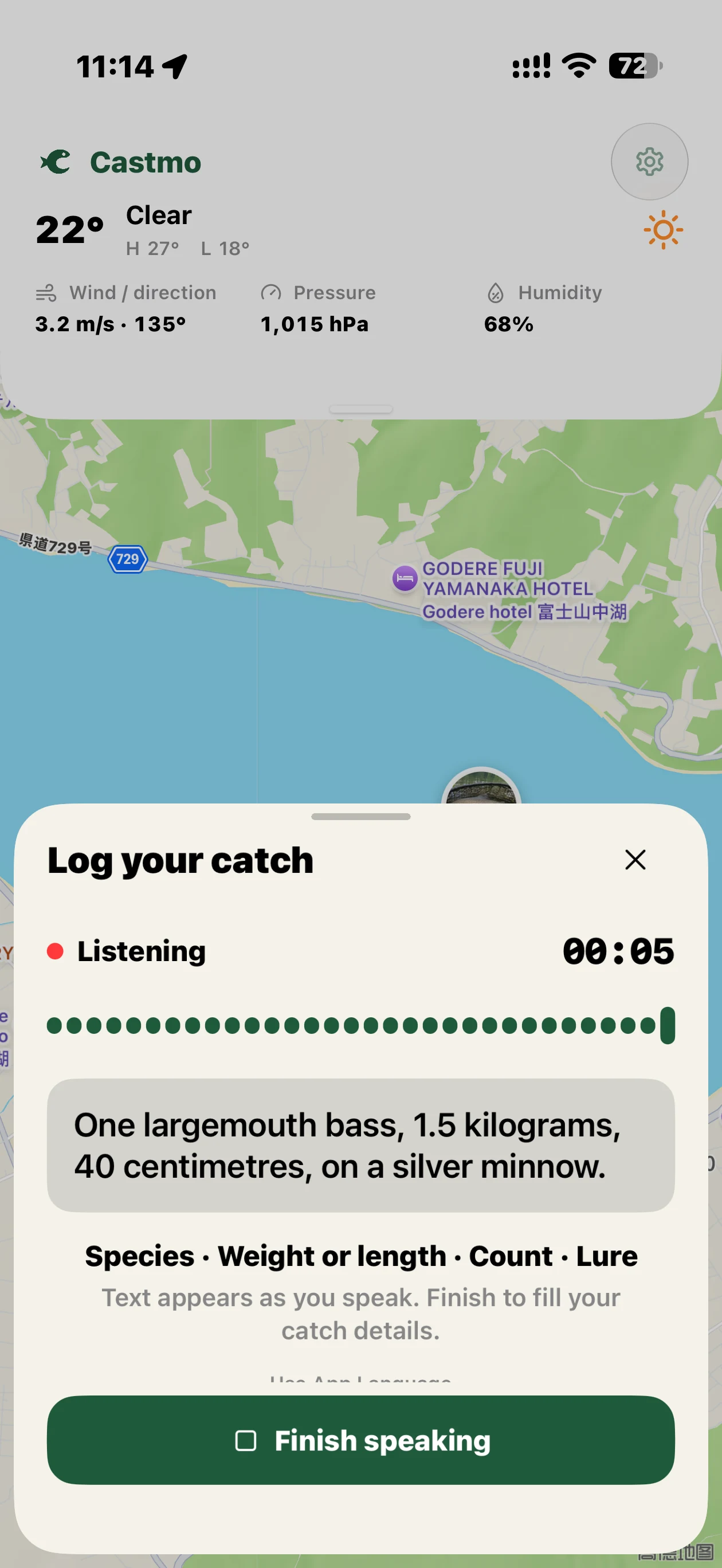
Hands full with a catch? Let your voice do the logging. Say the species, size, quantity, and bait.
Log catches with your voice.
Watch your words appear as you speak. Tap Done to fill the form, then get back to the moment.
One photo. Saved.
Finish your voice input and photograph your catch. The photo and log save together. Add more photos when editing later.
Keep the little details.
Rules fill clear fields; Apple Intelligence helps with complex meaning. Review and edit your saved record whenever you like.
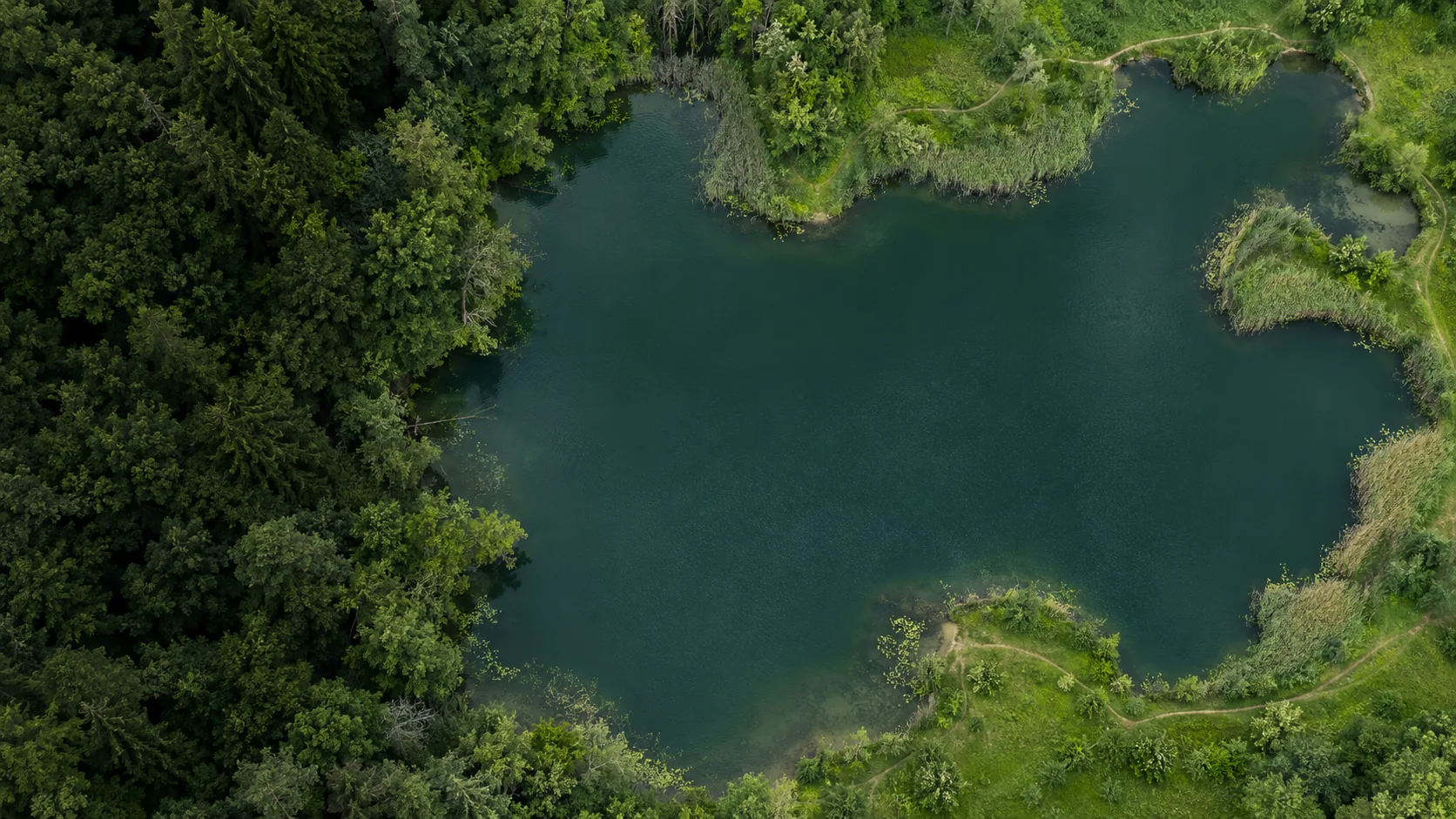
A good spot.A reason to return.
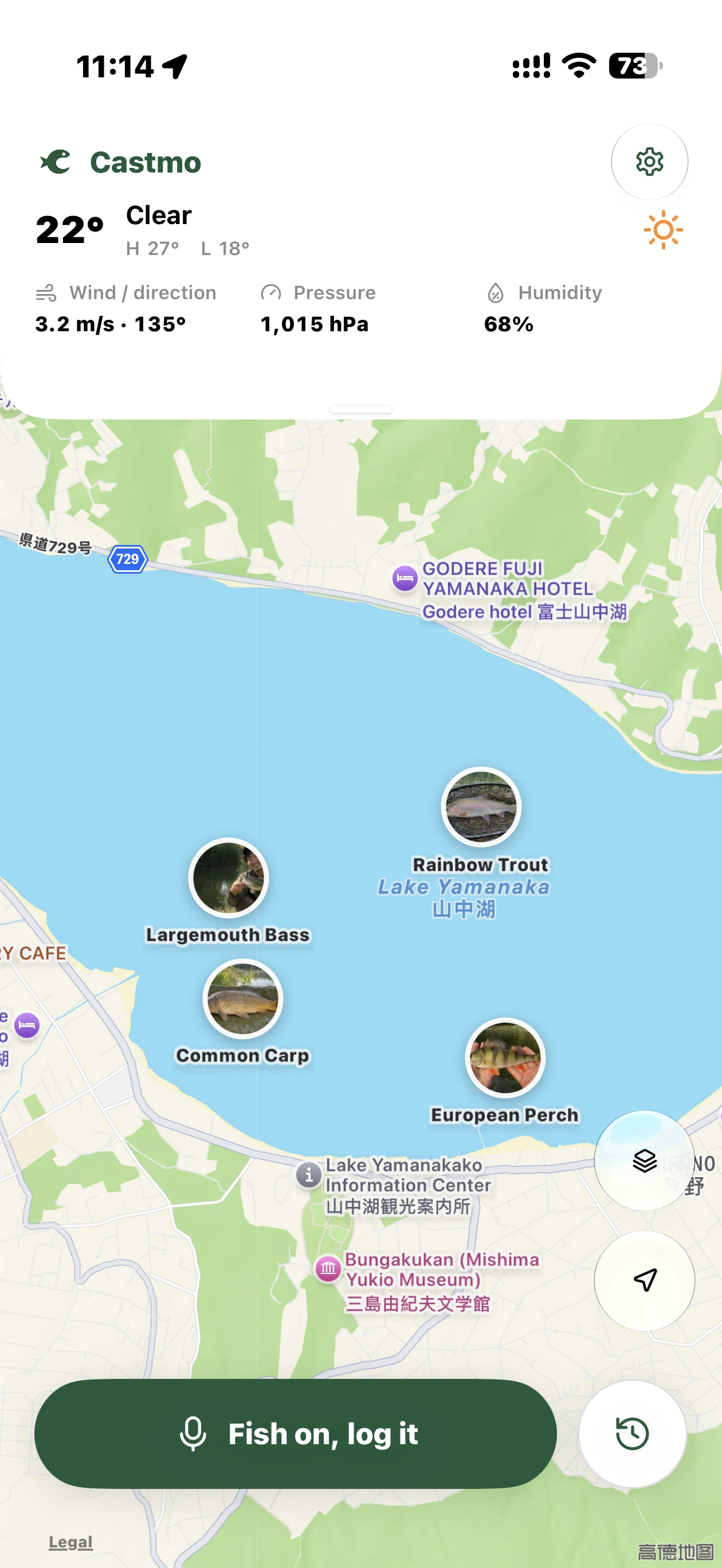
Give every catch a place on your map. Open a record to revisit the photos, bait, and measurements.
Fishing weather, at a glance.
See local weather, wind, pressure, and humidity together on your home dashboard.
Select a pin to revisit a catch
Illustrative map and catches, not real fishing spots
Largemouth bass
October 18, 08:42
- Weight
- 1.5kg
- Length
- 40cm

Your fishing journal, in the app.
From a few words by the water to a journal worth coming back to.
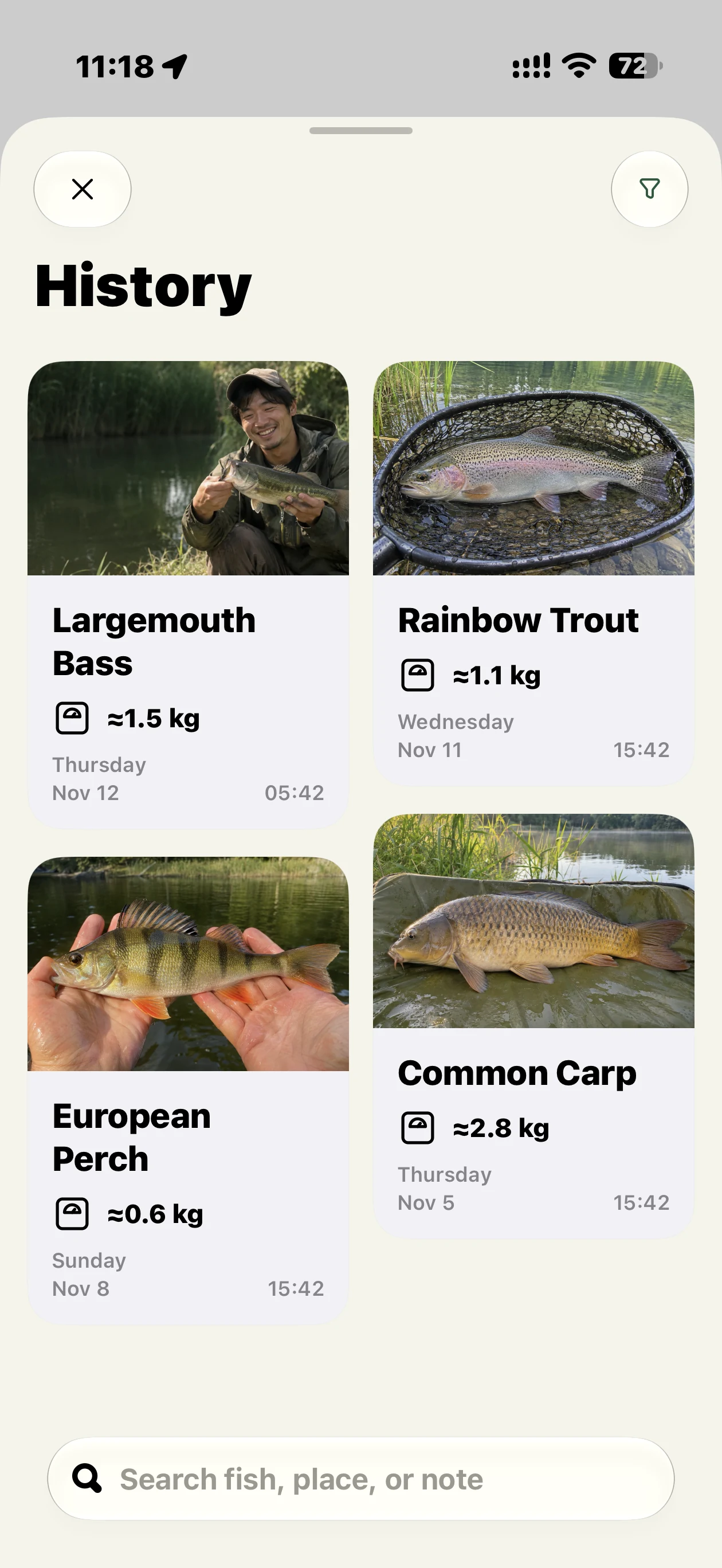
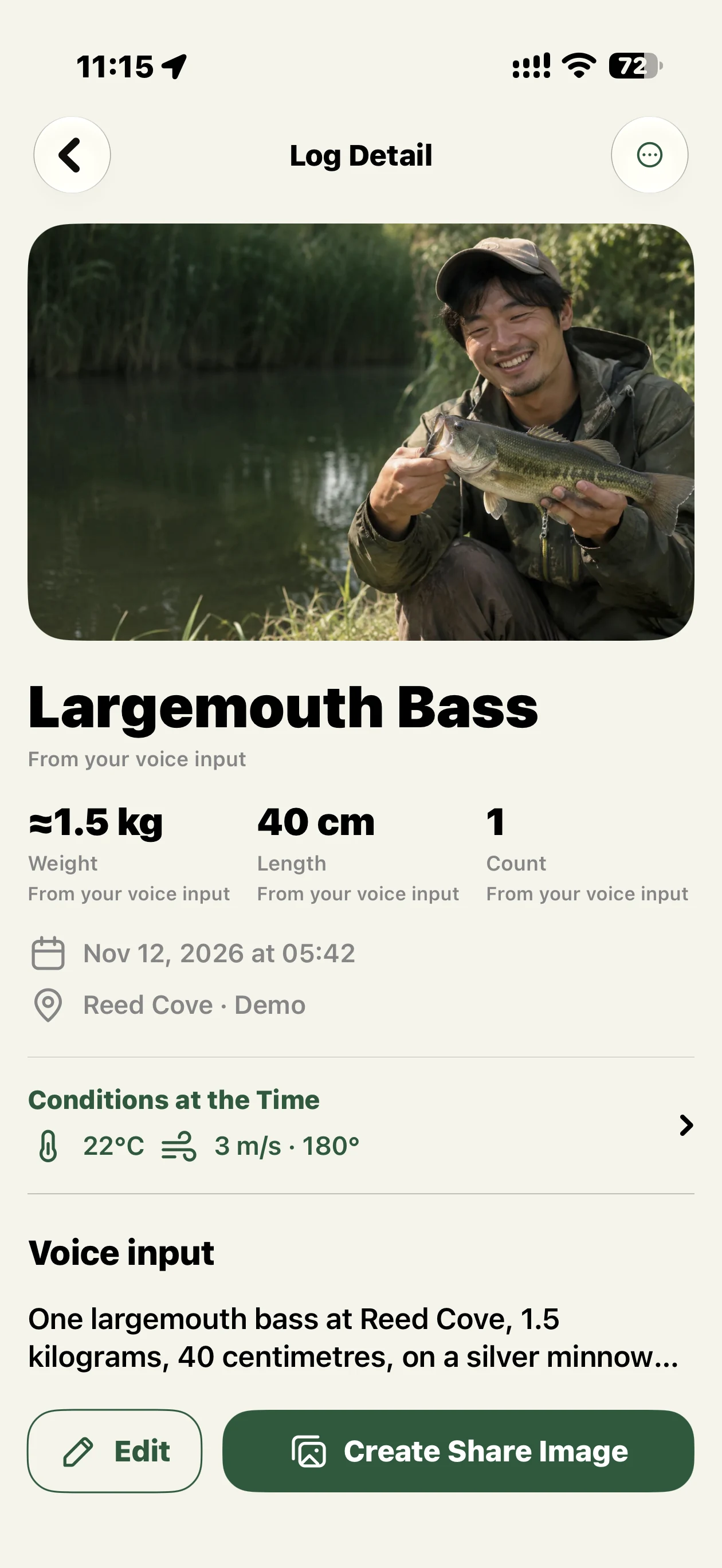
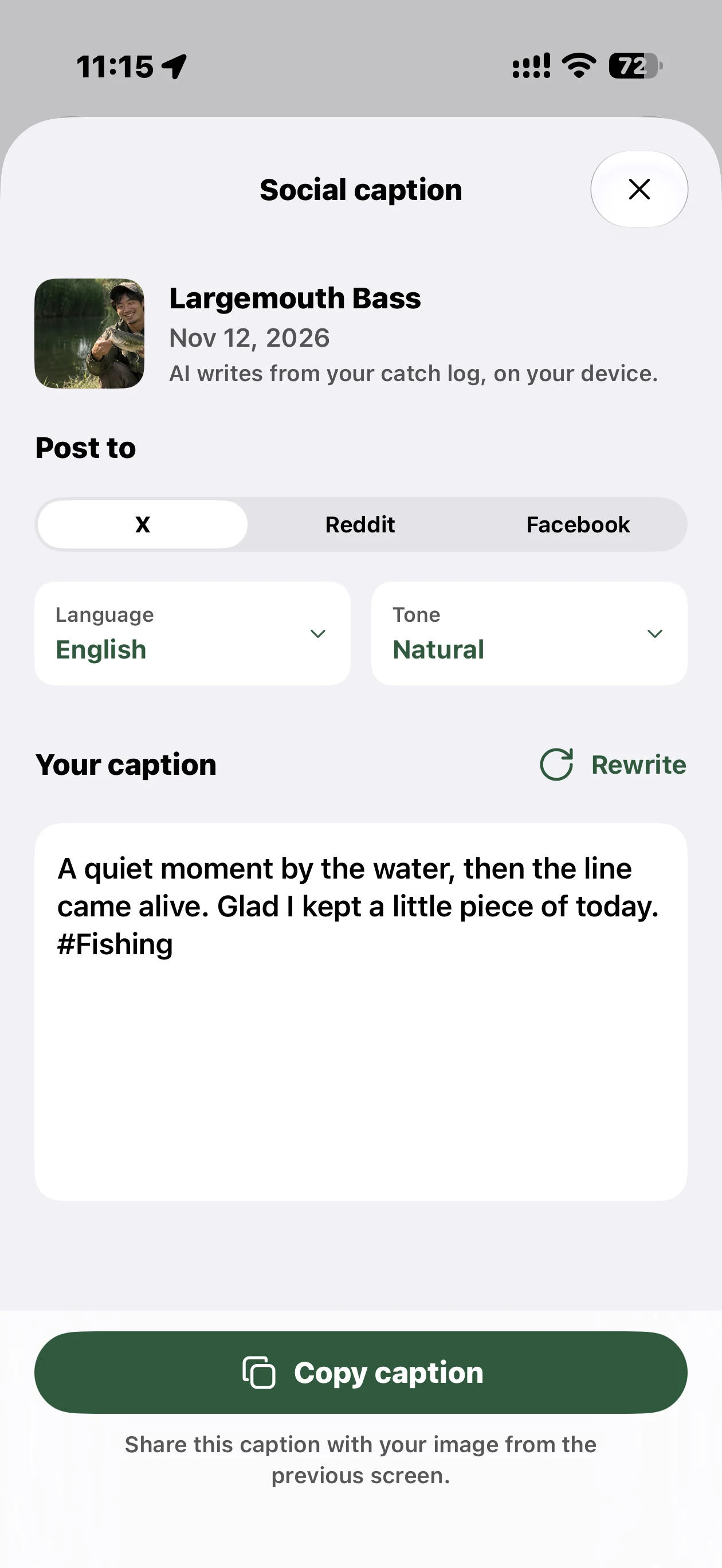
Captured on iPhone Air with sample records and AI-generated catch photos. Scroll to explore; select an image for a closer look.
Next time you cast,bring Castmo.
For people who would rather be fishing. For moments worth keeping.
The official release is awaiting App Store review. Join the public TestFlight beta while you wait.
Help & contactGood to know
How do I record a catch?
Tap the voice-input button on Home and say the species, weight, length, and bait. Finish your input, then take a photo to save automatically. You can edit fields and add more photos later.
Can I use it without Apple Intelligence?
Yes. Rules can fill clear species, measurements, quantities, and bait, and you can edit manually. Complex interpretation and social captions require available Apple Intelligence. Speech recognition needs Apple's language resources. Availability depends on your device, language, region, and system settings.
Where are my records stored?
Your catches and photos are stored on your device, with no Castmo account or developer-hosted catch database. Maps and weather use Apple services. TestFlight separately collects beta usage and crash information and shares it with us. See our privacy policy for details.
Which devices are supported? Can I download it?
Castmo requires iPhone with iOS 26 or later. The public beta is available through TestFlight. Some smart features need a compatible device and available Apple Intelligence.
Can I keep a fishing journal offline?
Saved catches, photos and manual editing work on your device. Speech recognition needs Apple’s language resources prepared first; smart text features need an available on-device model. Fresh maps, place names and weather need network access.